Web Hosting Without a Domain: How to Publish a Site
Summary: Yes. You can publish a website without buying a domain by using a hosting platform’s assigned subdomain. You can also test a site locally without making it public, or use an IP address when the server supports it. The right route depends on who needs access, whether HTTPS is available, and how much control you need over the address.
A website does not require a domain purchase to exist online, but visitors still need an address they can reach. For an experiment, a provider-assigned subdomain may be enough; for a business, address control and continuity matter. Our free web hosting options page is a starting point for comparing low-cost ways to put a site online.
With web hosting without a domain, distinguish domain registration from the web address a host supplies. You can build locally, publish under a platform’s subdomain, or use an IP address. Each route has different implications for public access, security, and moving your site later.
What does “without a domain” actually mean?
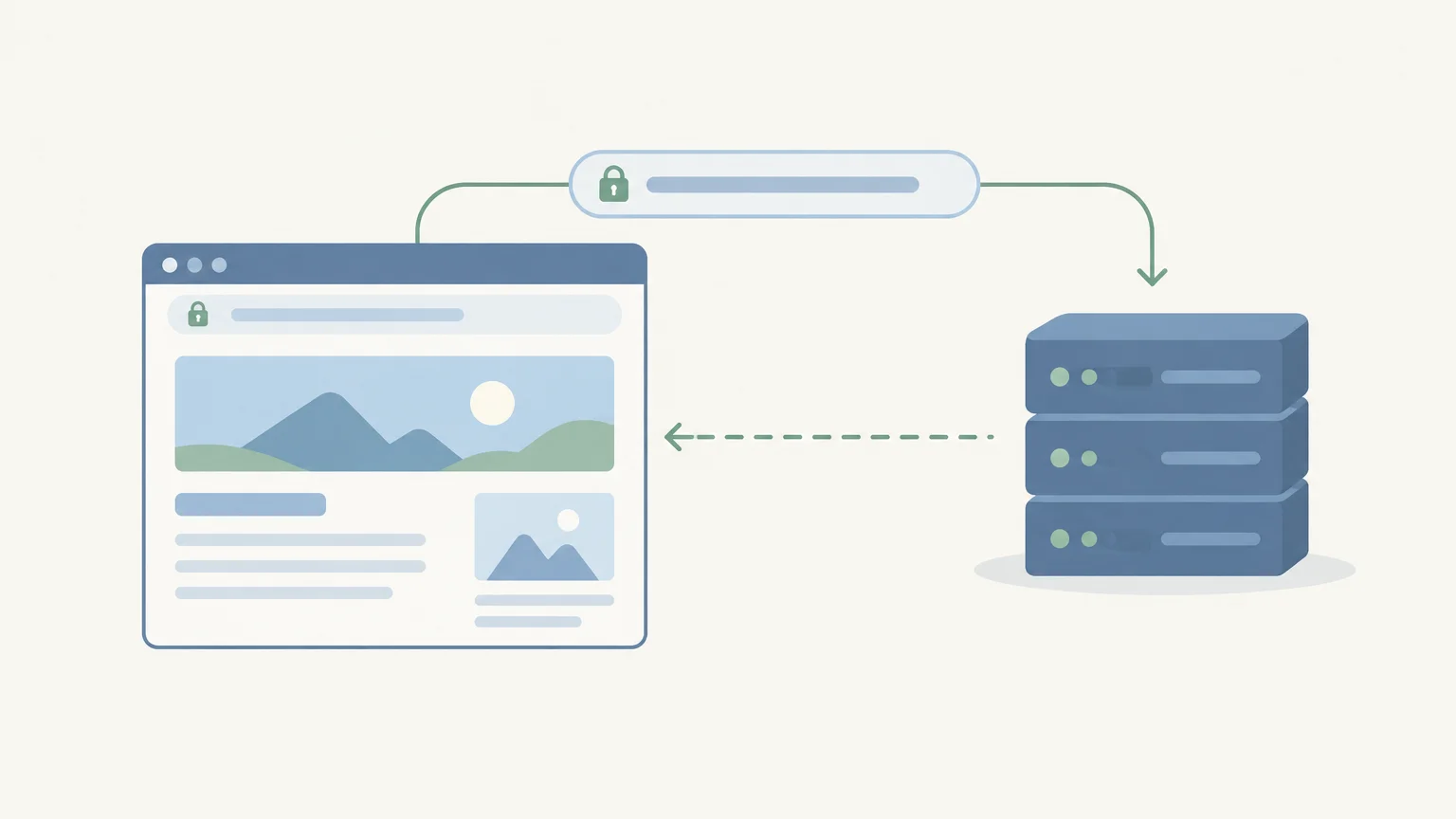
Hosting stores and serves your site’s files. A domain is a memorable name that helps people reach those files. If you do not register your own domain, you still need some way to address the site, such as a host-provided subdomain, a server IP address, or a local address used during development.
These terms describe different things. A subdomain, such as project.example-host.com, sits under a domain controlled by another organization. The EU methodology, for example, counts subdomains and redirected domains under a main domain as one website in its technology reporting. That reporting convention illustrates the distinction; it does not set a universal rule for website ownership or hosting.
So, “without a domain” usually means you have not purchased and connected a domain of your own. It does not necessarily mean your site has no hostname or address at all.
Which no-purchase route fits your project?

If you are building a portfolio or learning web development, local hosting may be all you need. If you want other people to visit the site, choose a public address supplied by a hosting platform or configure a reachable server.
| Route | Who can access it | Key trade-off |
|---|---|---|
| Provider subdomain | Public visitors, once the platform publishes the site | The provider controls the parent domain and its terms |
| IP address | Public visitors, if the server is reachable and configured | Harder to remember; some shared servers need a hostname to select the right site |
| Local address | Your computer, or a configured local network | Not public by default; useful for development and testing |
A provider subdomain is usually the simplest route for publishing a basic project without registering a domain. A local address is more appropriate when you are still developing and do not want the site exposed to the public.
When does a provider subdomain work?
A platform subdomain gives your site a public hostname beneath the provider’s domain. It can suit a class project, temporary campaign, draft portfolio, or low-stakes personal site. Before publishing, check whether the platform supplies HTTPS for that address, whether its branding appears on the site, and whether you can move your content elsewhere.
Subdomains are common in web addresses. July 2026 data from W3Techs reported that the default “www” subdomain was used by 38.8% of websites overall. That figure concerns the “www” site element, not free hosting addresses, but it illustrates that a hostname can include a subdomain without being a separately registered domain.
If you want a managed publishing platform rather than separate hosting, our review of the WordPress.com free plan explains its limitations. Check the platform’s address and upgrade rules before building around a URL you may later want to change.
Can you publish a site through an IP address?
An IP address can lead to a public website if it is reachable from the internet and the server is configured to serve the site. This route avoids buying a domain, but an address made of numbers is less convenient to share and remember.
There is also a setup issue: one server can host several sites at the same IP address. When a browser requests a site by name, the server can use that hostname to choose the right content. A bare IP request may not identify the intended site, especially on shared hosting. Ask your host whether direct-IP access or a temporary preview address is supported before relying on it.
For HTTPS access, confirm that the certificate covers the exact address visitors will use. Do not assume that a certificate set up for a custom domain will also cover an IP address or a different hostname.
What should you check before choosing?
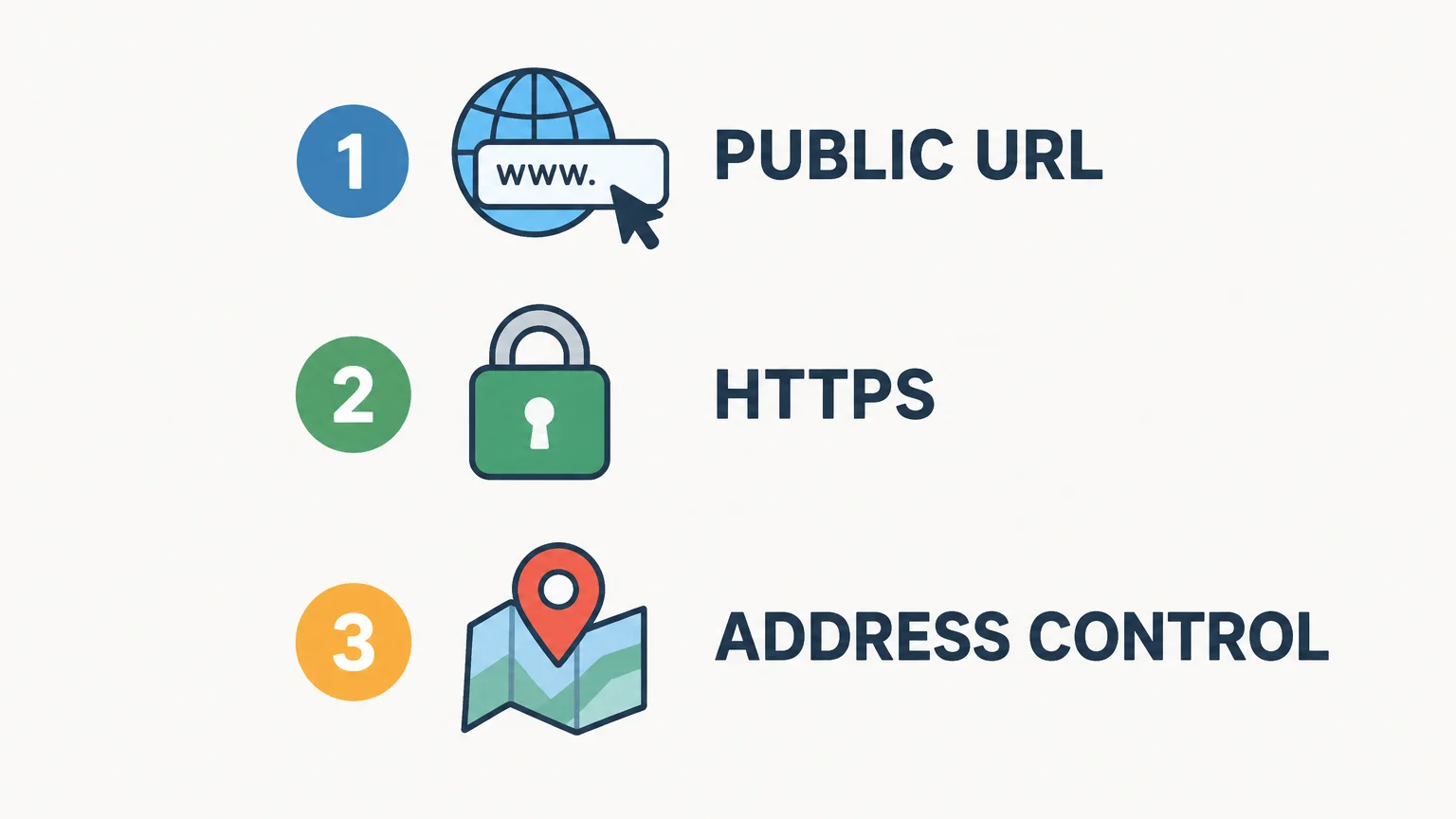
Before choosing a public address, decide whether visitors need to reach the site now or whether it is still private work. Then check HTTPS support and find out what happens to the address if you leave the platform. These checks help you avoid building around a temporary URL that does not fit your plans.
- Public access: Confirm the site is published and reachable by your intended visitors.
- HTTPS certificate: Check that HTTPS is available for the exact hostname you plan to share.
- Address portability: Find out whether you can redirect visitors or move content if you change hosts.
- DNS cleanup: If you later point a hostname to a separate hosting service, remove or update the DNS record when you stop using that service. Researchers examined security risks associated with hosting-based dangling domains in a university research paper.
If you are considering a managed WordPress platform, compare its address options and upgrade costs before committing. Our page on WordPress.com pricing and plans covers plan information relevant to that decision.
For a site that is only a draft, local development keeps it off the public web by default. For a project that needs a shareable URL, a provider subdomain is usually the clearest starting point. An IP address is an option when your host confirms the server is configured for it.
Choose an address that fits your next step
Hosting a website without buying a domain is practical for testing, learning, and some small public projects. Use a local address for private development, or a provider subdomain when visitors need a public URL. Before publishing, verify HTTPS support and consider whether you can keep or redirect the address if your needs change.
Frequently Asked Questions
Can you host a website without buying a domain?
Yes. You can use a hosting platform’s subdomain, a reachable IP address, or a local address for development.
Can other people visit a site hosted on localhost?
Not by default. Localhost refers to the computer making the request, so you need a public hosting setup or network configuration for others to access the site.
Can a provider subdomain use HTTPS?
Some platforms support HTTPS for their supplied subdomains, but you should confirm this for the exact hostname before publishing. A certificate for another address does not necessarily cover it.
Is an IP address enough to publish a website?
It can be, if the IP is reachable and the server is configured to serve your site there. Shared hosting may require a hostname or preview URL to identify the correct site.
How can Discover Vibe help you compare hosting?
Discover Vibe’s hosting coverage compares practical details such as storage, location, billing frequency, and availability. Use those factors to assess whether a temporary subdomain still fits your project.