Best Hosting for Web and Mobile Apps: A Practical Guide
Summary: The best hosting depends on your app’s architecture, data needs, traffic patterns, and available operations support. Managed application platforms simplify deployment, while backend services and virtual servers suit different workloads and control requirements. Compare deployment options, scaling, storage, security responsibilities, and billing before you choose.
Does the best hosting choice mean faster deployment, full server control, or fewer day-to-day operations? The best hosting for web and mobile apps depends on what runs behind the interface, how data is stored, and who maintains it. If managed virtual servers suit your workload, our comparison of best managed VPS hosting offers one route to evaluate.
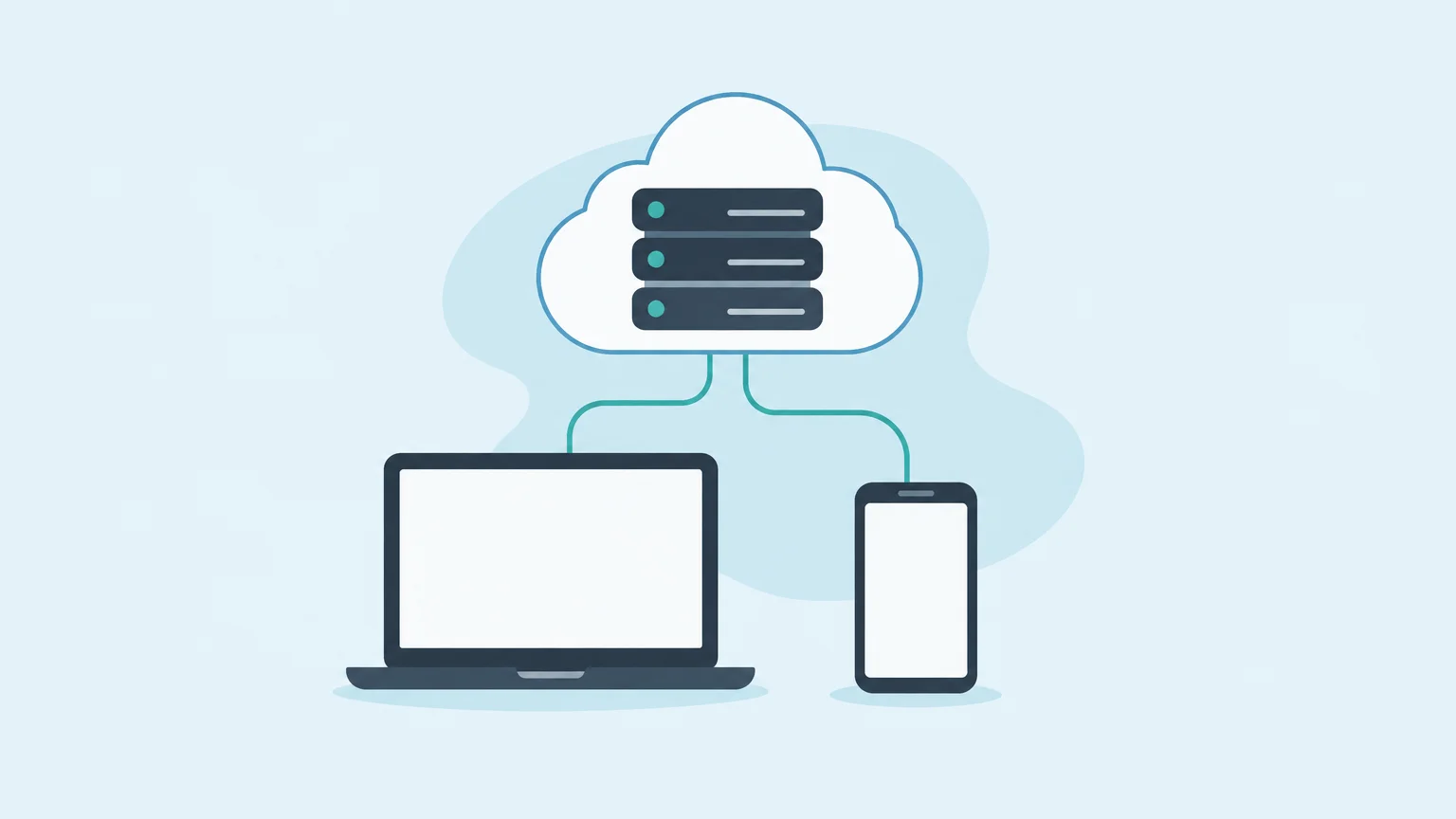
A mobile client often needs an API, authentication, a database, file storage, or background jobs; a web frontend may be deployed separately. Start by mapping those components, expected traffic, and your team’s capacity to operate infrastructure. NIST’s cloud computing definition emphasizes on-demand resources and measured service, useful distinctions when comparing managed platforms with virtual machines.
Which hosting option should you choose?
Choose a managed application platform when you want deployment workflows and less server administration. Consider backend hosting when your mobile app needs managed data services or APIs. Choose VPS or dedicated hosting when server configuration and infrastructure control matter more than minimizing operations work.
The numbered selection below is organized by workload fit, not by comparative performance testing. Its range includes managed deployment platforms, mobile backends, and infrastructure providers, because these options solve different parts of app hosting.
| Rank | Platform | Typical fit | Operating model | Key trade-off |
|---|---|---|---|---|
| 1 | DigitalOcean App Platform | Web apps, APIs, and app components | Managed deployment from Git repositories | Less operating-system control than VPS hosting |
| 2 | Hostinger | Managed web apps or custom VPS setups | Managed tools or root access on VPS | VPS adds server configuration duties |
| 3 | Render | Web services, static sites, and backend components | Managed cloud deployment | Check service limits and billing for your setup |
| 4 | AWS Amplify | Full-stack apps connected to AWS services | Application tools integrated with AWS | Consider how closely your design fits AWS services |
| 5 | Firebase Hosting | Static and dynamic web frontends | Hosting integrated with Firebase services | Custom server workloads may need separate compute |
| 6 | Vercel | Frontend-focused apps, especially Next.js | Framework-oriented cloud deployment | Persistent backend processes may need separate hosting |
| 7 | Cloudflare Pages | Static sites and JAMstack apps | Edge delivery with functions | Not a general-purpose virtual server |
| 8 | Railway | Developer-focused web and backend projects | Platform-based deployment | Check database, storage, and scaling requirements |
| 9 | Heroku | Backend apps and data services | Managed application platform | Less server-level control than VPS hosting |
| 10 | Back4App | Mobile app backends and data workflows | Managed backend services and APIs | Frontend hosting may be a separate need |
| 11 | Kamatera | Custom cloud server configurations | Cloud VPS with configurable resources | Server operations remain part of the workload |
| 12 | IONOS | Cloud or dedicated server workloads | Configurable server infrastructure | Server-level control adds operational work |
| 13 | InMotion Hosting | Apps needing managed or bare-metal dedicated servers | Dedicated infrastructure with support options | Dedicated hosting may exceed a small app’s needs |
| 14 | Liquid Web | Managed dedicated app hosting | Managed server operations | Dedicated capacity may be unnecessary for simpler apps |
1. DigitalOcean App Platform
Best for: Teams deploying web apps and APIs that want a managed platform instead of configuring virtual servers directly.
DigitalOcean App Platform deploys applications from Git repositories and supports several common programming languages and frameworks. The platform also supports different application components, letting teams consider scaling parts of an app independently. Its managed approach suits teams who want to focus on deployments rather than operating a server.
Pros
- Managed deployment is a practical fit for teams that do not need to configure the underlying operating system.
- Separate application components suit projects with distinct frontend, API, or worker needs.
Cons
- Teams needing root access or detailed server configuration may prefer VPS hosting.
2. Hostinger
Best for: Developers choosing between managed web app hosting and a VPS with more server configuration control.
Hostinger’s options cover managed web apps as well as VPS hosting with root access. Its managed route is aimed at app deployment without as much infrastructure administration. A VPS is more appropriate when you need to configure the operating system, software, or firewall rules yourself.
Pros
- The choice between managed deployment and VPS gives you different levels of infrastructure control.
- VPS root access supports custom server configurations.
Cons
- VPS hosting requires you to take on more server setup and administration.
3. Render
Best for: Teams that want a managed cloud environment for application deployment and related components.
Render provides deployment and operational features such as previews, rollbacks, monitoring, and scaling. This model can reduce the amount of infrastructure work needed to launch and update an app. Before settling on a configuration, check the platform’s current service options against your app’s runtime, data persistence, and traffic needs.
Pros
- Managed deployment and monitoring reduce the need to assemble every operational tool separately.
- Previews and rollbacks support a structured update workflow.
Cons
- Teams that require operating-system-level control should compare the platform model with a VPS.
4. AWS Amplify
Best for: Developers building web or mobile apps that use services in the AWS ecosystem.
AWS Amplify provides tools for building and deploying full-stack applications. Its connection to other AWS services is relevant when your app’s backend, storage, authentication, or analytics already uses AWS. Consider the services your app needs and how much you want to manage through that ecosystem before designing its deployment.
Pros
- Full-stack app development and AWS service integration can bring related app components into one ecosystem.
- It is relevant to both web and mobile application projects.
Cons
- Its fit depends on whether your architecture and team are comfortable working with AWS services.
5. Firebase Hosting
Best for: Teams deploying web frontends that use Firebase services or related Google Cloud capabilities.
Firebase Hosting serves web content through a global content delivery network and supports custom domains and SSL. Its integration with Firebase services is useful when your app needs connected backend capabilities. If your project depends on custom, continuously running server processes, evaluate whether you need separate compute alongside hosting.
Pros
- Hosting, SSL, and global content delivery support common frontend deployment needs.
- Preview channels and deployment integrations can support review before publishing changes.
Cons
- A frontend hosting service is not automatically a replacement for every custom backend workload.
6. Vercel
Best for: Frontend-focused apps, particularly projects using Next.js and related web frameworks.
Vercel’s platform is oriented toward frontend development and deployment. It is a strong architectural match when your app benefits from framework-focused workflows and globally distributed content delivery. If your project also needs long-running workers, persistent processes, or a separate data layer, plan how those components will be hosted.
Pros
- Frontend and framework focus can simplify deployment for compatible web projects.
- It can fit an architecture where the frontend is deployed separately from backend services.
Cons
- Apps with substantial backend or worker requirements should confirm how those components will run.
7. Cloudflare Pages
Best for: Static websites and JAMstack apps that need globally distributed content delivery.
Cloudflare Pages is designed for static sites and JAMstack projects, with functions available for selected dynamic tasks. That approach is useful when most content is prebuilt and only some requests need server-side logic. If your app relies on a persistent application server, confirm that the functions model supports the workload or add another hosting service.
Pros
- Static content and edge delivery suit sites where a conventional application server is unnecessary.
- Functions can add selected server-side behavior to a static frontend.
Cons
- Projects built around a general-purpose, continuously running server need to evaluate another compute option.
8. Railway
Best for: Developers who prefer a platform-oriented deployment workflow for web and backend projects.
Railway is positioned as a developer-focused hosting platform. It is worth comparing when you want to deploy application components without starting from a manually configured virtual server. Match the platform’s current service options to your required runtime, data persistence, background processing, and expected usage before moving a production app.
Pros
- A developer-oriented platform can reduce routine deployment work compared with managing a server directly.
- It is an option to assess for application projects with backend components.
Cons
- Confirm the current service and resource limits for your specific application architecture.
9. Heroku
Best for: App teams looking for a managed platform for backend code and connected data services.
Heroku supports application backends and offers data services such as managed databases. Its platform model can reduce direct server administration while providing a place to deploy app code and related components. Choose it when that level of management fits your workflow, and compare the available controls with your operational requirements.
Pros
- Managed application and data services can simplify backend operations.
- A platform approach lets teams concentrate on application code rather than server configuration.
Cons
- It offers a different level of infrastructure control from a self-managed VPS.
10. Back4App
Best for: Mobile app developers who want managed backend capabilities, data handling, or APIs.
Back4App focuses on app backend services, including data workflows and APIs. That makes it relevant when a mobile app needs server-side logic or communication between the app and stored data. Consider it as a backend component; your public website or frontend may require a separate deployment choice.
Pros
- Backend services address data and API needs that a mobile app’s installed client cannot handle alone.
- Its backend focus fits projects that want app-related services rather than a general-purpose server.
Cons
- It is a backend option, not necessarily the only hosting component your complete project will need.
11. Kamatera
Best for: Developers who want configurable cloud servers and direct control over their app environment.
Kamatera’s cloud server options allow configuration of resources such as CPU, memory, and storage. That flexibility suits teams that know which environment their code requires. More control also means you need a plan for server setup, updates, access management, and backups.
Pros
- Configurable server resources support workloads with specific environment requirements.
- Server-level control suits developers who want to choose their software stack.
Cons
- With greater server control comes more responsibility for the operating environment.
12. IONOS
Best for: Teams comparing cloud servers with dedicated infrastructure for app workloads.
IONOS has cloud and dedicated server options. A configurable cloud server can suit projects that need server-level control, while a dedicated server provides a different infrastructure model. Compare the resources, support arrangements, locations, and operational duties for the specific plan you are considering.
Pros
- The availability of cloud and dedicated options supports more than one infrastructure approach.
- Server configuration gives technical teams a route to customize the runtime environment.
Cons
- Server-level options require more infrastructure decisions than a narrowly focused frontend platform.
13. InMotion Hosting
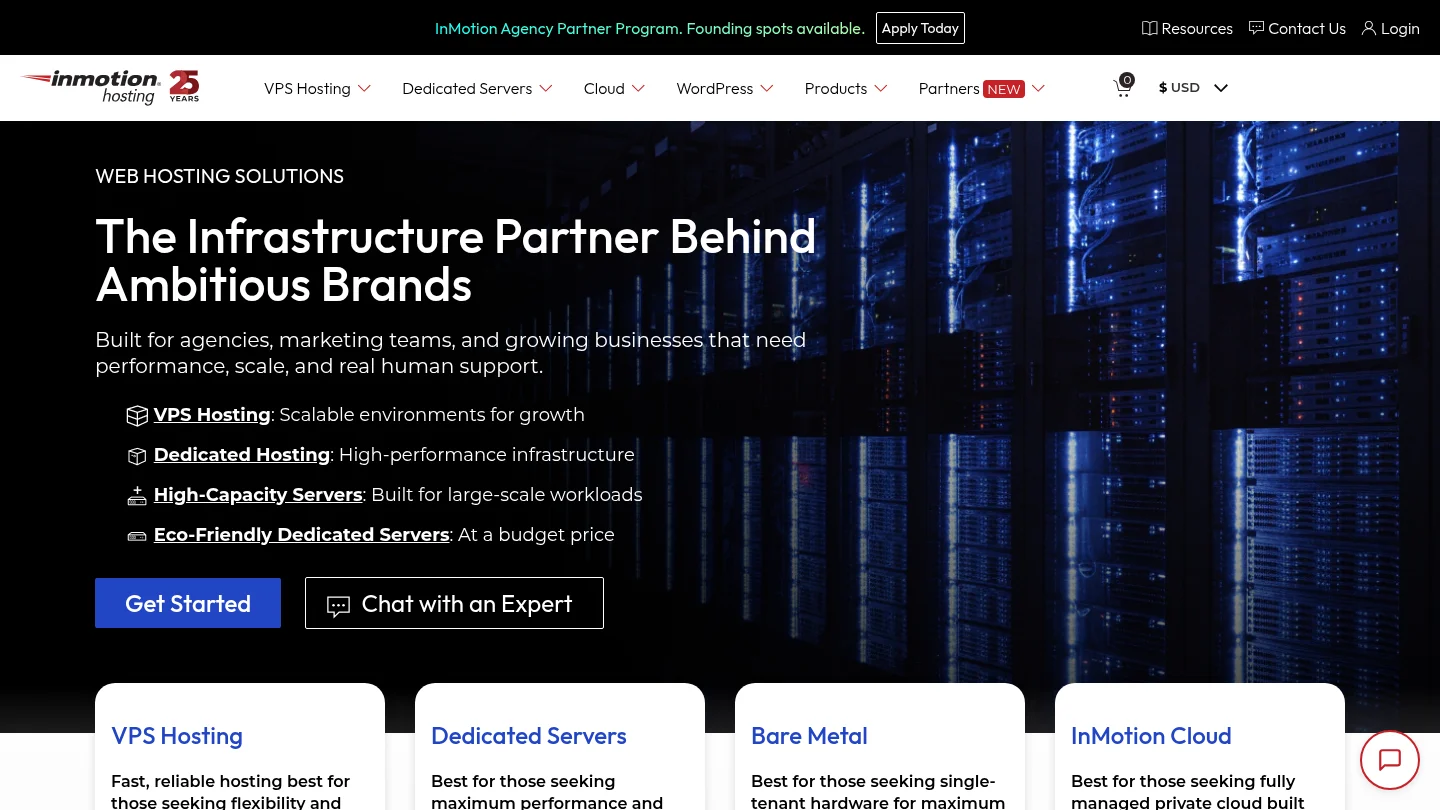
Best for: Organizations comparing managed or bare-metal dedicated servers for apps with substantial resource needs.
InMotion Hosting offers dedicated server options, including managed and bare-metal approaches. Dedicated resources can make sense when a workload needs its own server environment and the team values a support option. For smaller projects, compare this level of infrastructure with a managed application platform before committing.
Pros
- Managed and bare-metal options give teams different levels of operational responsibility.
- Dedicated hosting is relevant when an app has specific resource or server-control requirements.
Cons
- A dedicated server may be more infrastructure than a small, low-demand app requires.
14. Liquid Web
Best for: Teams seeking managed dedicated server hosting for applications that need server-level resources.
Liquid Web is positioned for managed dedicated hosting, including server maintenance and security-related management. This arrangement can suit organizations that need dedicated infrastructure but do not want to handle every server operation themselves. Compare the dedicated approach with managed platforms if your app needs simpler deployment rather than a full server environment.
Pros
- Managed server operations reduce some routine maintenance work for dedicated hosting customers.
- Dedicated infrastructure suits workloads that require control over a server environment.
Cons
- Dedicated infrastructure can be unnecessary for a frontend or small app with modest resource needs.
What should you check before choosing?
Start with the app’s runtime and deployment workflow. Check that your preferred languages, framework, container setup, or Git workflow are supported. Then decide whether you need a persistent server, background workers, scheduled tasks, or a frontend that mostly serves prebuilt files.
Next, map the data layer. Identify the database, file storage, backups, and recovery process your app requires. Mobile apps often rely on APIs to retrieve or update user data, so include those backend services in your hosting plan rather than comparing only frontend deployment options.
Think about where users connect from and where data must be stored. A provider’s regions and network reach can affect latency, while availability commitments and recovery processes help you assess operational risk. Do not treat a published uptime target as a replacement for monitoring your app’s own endpoints.
Price the whole architecture, not just its first server or service. Include compute, database capacity, storage, backups, data transfer, monitoring, and any extra environments used for testing. The VPS hosting for high-traffic websites comparison can help you assess when a VPS-focused approach deserves consideration.
Security also needs to match your architecture. For a mobile app or web service exposing APIs, review authentication, authorization, and protection against excessive requests. The OWASP API security guidance highlights common API security risks, including the importance of security practices during app development and maintenance.
When should you choose a platform, backend, or VPS?
Choose a managed platform when it removes routine work your team does not want to own. This is useful for a new app when your priority is shipping a frontend or API and you do not need unusual server configuration. A platform is also practical when its deployment workflow already matches how your team builds and reviews code.
Choose a dedicated backend service when app data, APIs, or server-side features are the central need. The frontend and backend can use different hosting services when each has distinct requirements. That split can also make it clearer which component needs scaling, monitoring, or a separate recovery plan.
Choose a VPS when you need root access, custom server software, or control over the operating environment. You also take responsibility for more administration, including configuration and routine maintenance. Our discussion of cloud hosting vs. VPS hosting explains the distinction between those infrastructure approaches.
For a larger microservices design, map each service and its dependencies before choosing. The Cloud Native Computing Foundation describes how modular services and containers can support independent application components. Its microservices and cloud-native overview is useful context when considering whether your app benefits from that architecture or would be simpler as one deployable service.
Conclusion
The best app hosting approach matches your runtime, data layer, traffic, and team’s operational capacity. Select a managed platform for simpler deployments, a backend service for app data and APIs, or a VPS when you need server control. Before launch, estimate the full service cost, verify regional availability, and test backups, monitoring, and recovery for the components your users depend on.
Frequently Asked Questions
Do mobile apps need hosting?
Mobile apps need a backend host when they rely on online APIs, user accounts, shared data, or server-side processing. Apps designed to run entirely on a device may not need those hosted services.
Can you host a web app on shared hosting?
Some simple web apps run on shared hosting when the required runtime and resources are available. Confirm the supported software and resource limits before deploying an app that uses persistent processes or a database.
What is the difference between VPS hosting and an app platform?
A VPS provides a server environment that you configure and maintain. An app platform manages more of the deployment environment, which reduces infrastructure work but offers a different level of server control.
Should the app frontend and backend use the same host?
They can share a host, but they do not have to. Separate hosting is useful when the frontend and backend require different deployment workflows, resources, or scaling choices.
How should you estimate app hosting costs?
Include compute, databases, storage, data transfer, backups, and monitoring in your estimate. Also account for staging environments and background services if your architecture uses them.